Now available on the Mac App Store
Add notes to video, audio and online media
Think with video, audio, and online media. ReelNotes is a media logging and note-taking workspace for filmmakers, editors, researchers, journalists, students, podcasters, and anyone working closely with recorded material on Mac.
Capture ideas quickly, organise them visually, see structure over time, collaborate more clearly, and carry your work smoothly into editing, review, or sharing.
Major update
Online media
Timeline ranges
Audio loudness
Three ways to work
ReelNotes gives you three distinct layouts for different stages of the process: capturing, organising, and reviewing.
Canvas
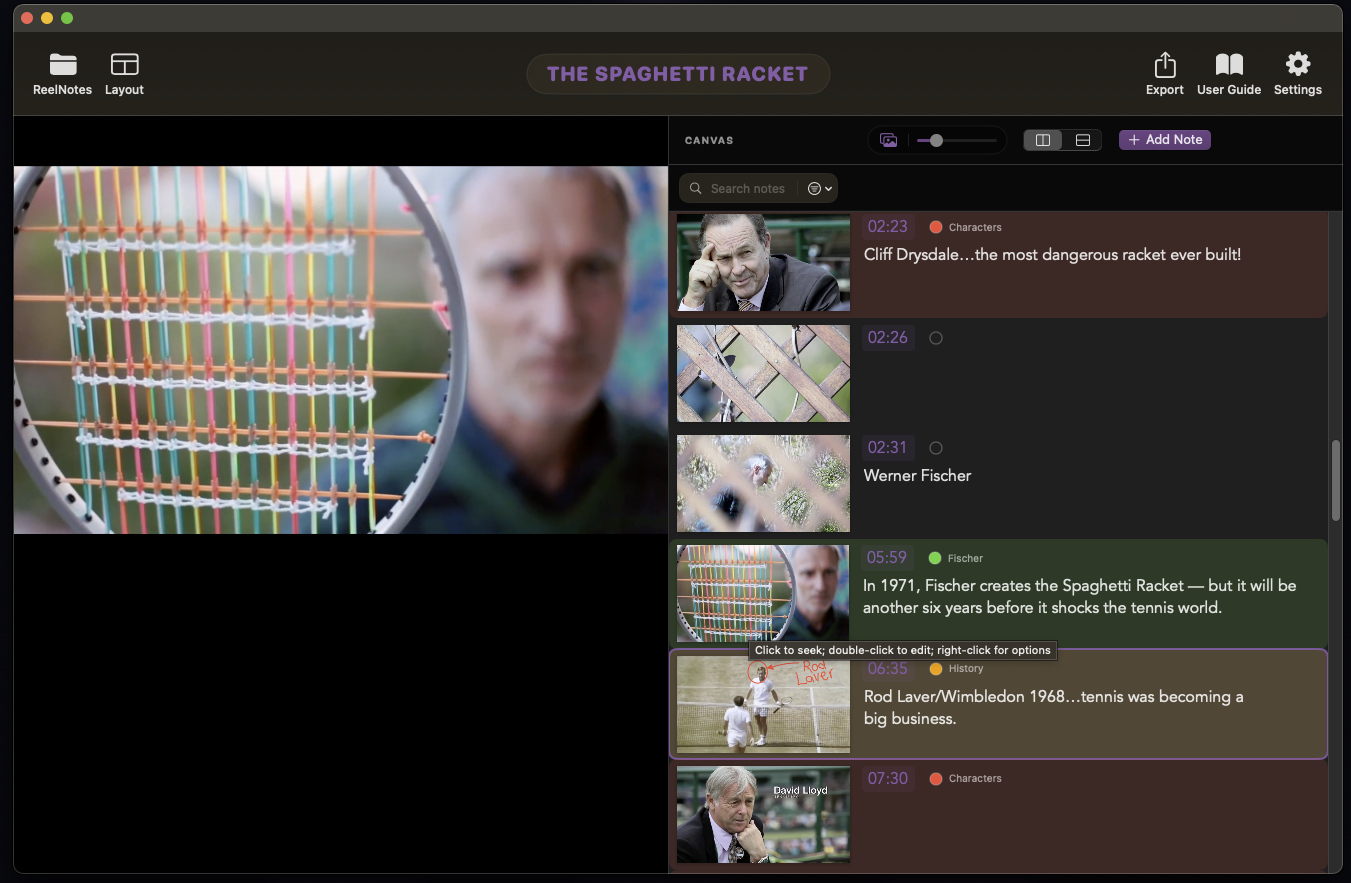
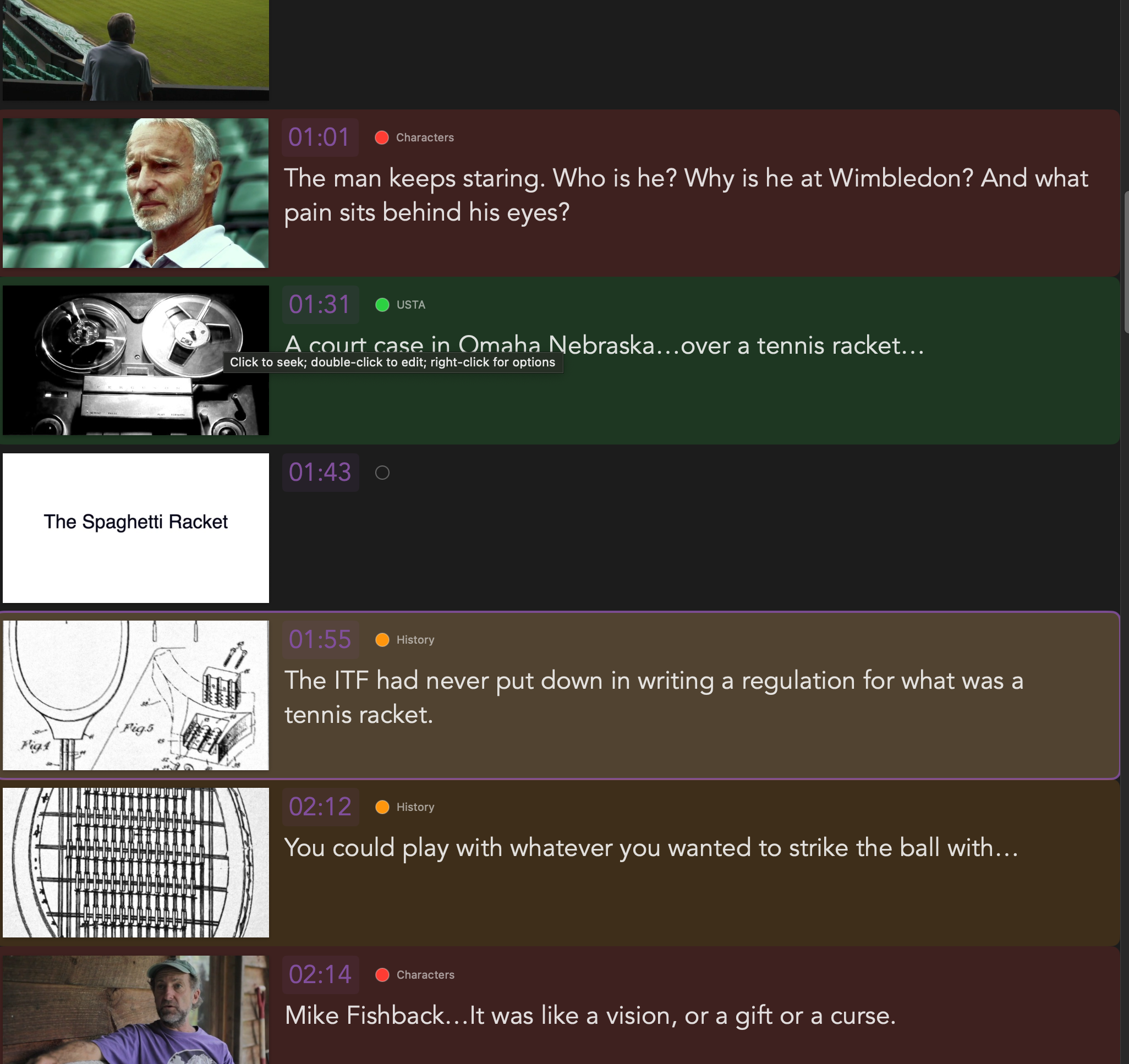
Canvas for organising and refining notes
Arrange notes spatially, group ideas visually, and develop patterns as you review footage, interviews, lectures, or reference material. Resize the workspace as you go to give more emphasis to the media, the notes, or the overall canvas.
Timeline
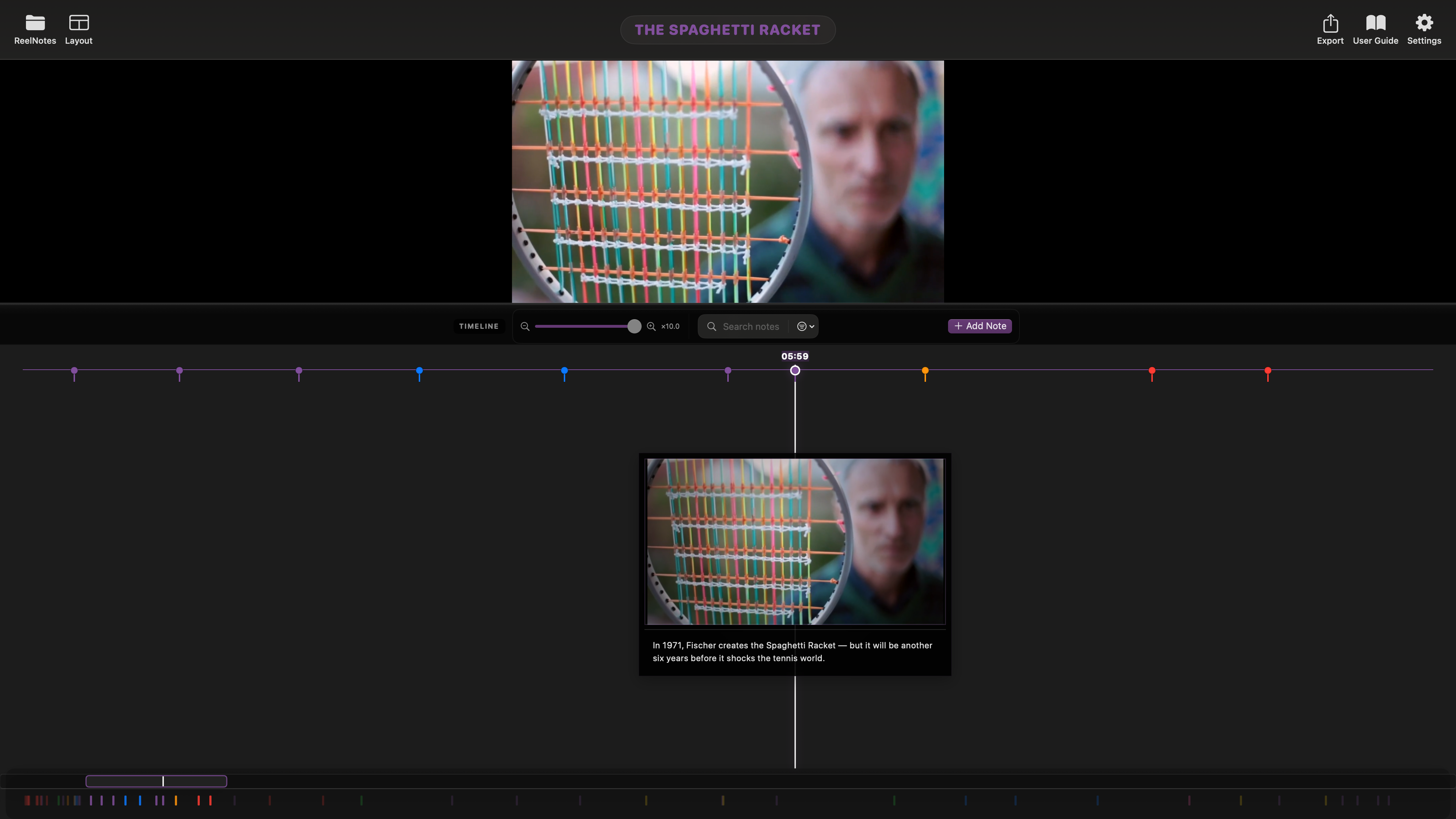
Timeline for overview and structure
Get a clearer overview of the whole project, see how notes are distributed across time, and review the structure, pacing, clusters, and gaps from start to finish.
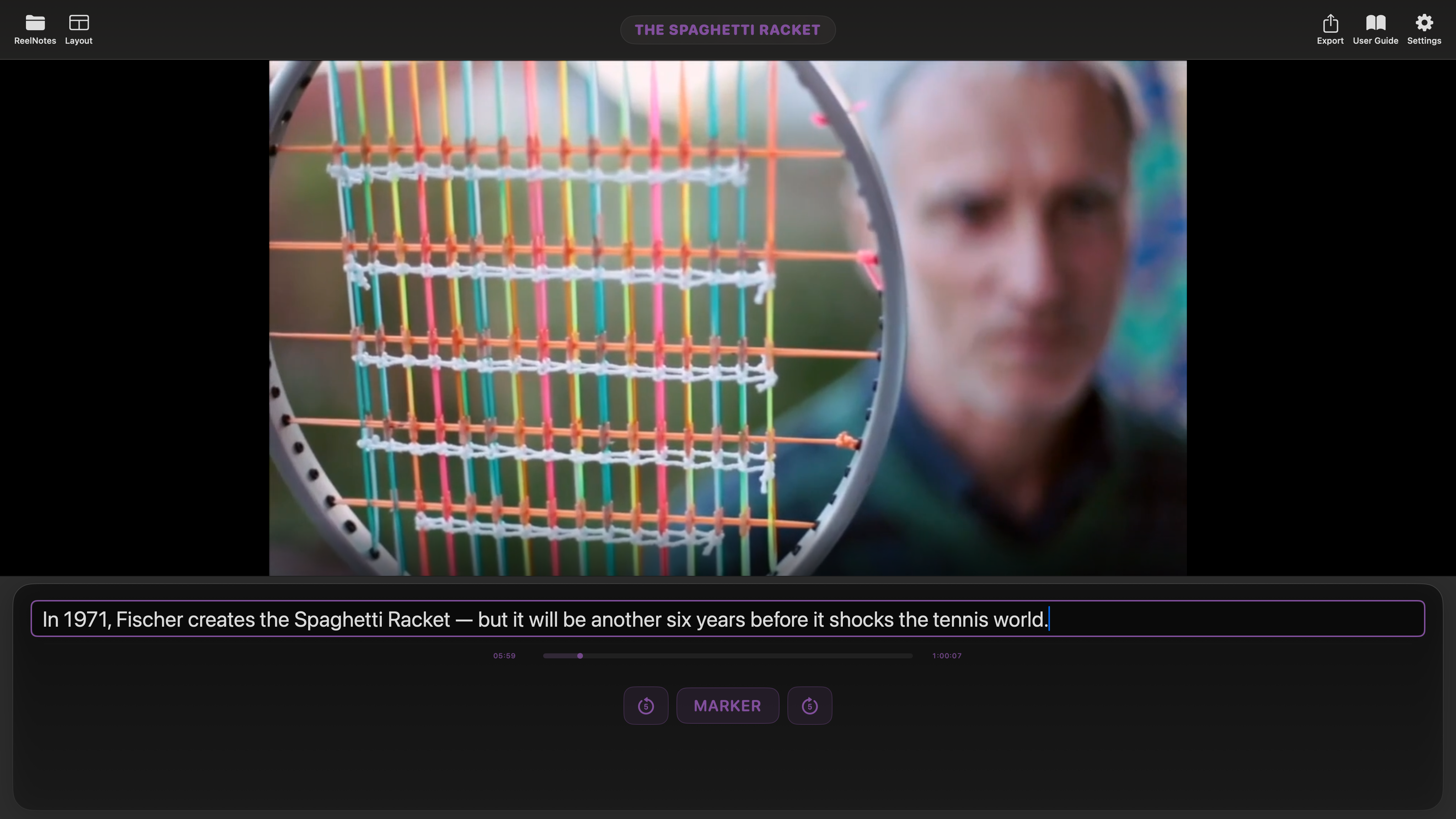
Quick Log
Quick Log for fast, focused capture
Write as you watch or listen in a distraction-free layout designed for live logging, quick observations, and rapid note entry.
Built for real review workflows
More than note-taking
ReelNotes is designed for people who need to do more than jot things down. Use colour labels, markers, timestamps, structured notes, and search to review material with clarity and speed.
Resizable workspace
Adjust the layout to give more room to the viewer, the notes, or the structure you want to focus on.
Markers
Flag important moments instantly while you watch.
Search notes
Find keywords, moments, and recurring ideas quickly without losing your place in the material.
Colour labels
Separate themes, characters, beats, problems, or priorities at a glance.
Annotations
Mark directly onto frames so visual observations stay attached to the exact image you are discussing.
Keyboard flow
Use shortcuts to log quickly without interrupting playback.
Focused review tools
Capture detail without losing context
ReelNotes keeps close reading practical: rename labels for the project at hand, refine notes in place, adjust exact time references, and mark directly onto frames when the visual detail matters.
Custom label names
Rename label categories to match the language of the project, whether you are tracking themes, selects, problems, story beats, or research threads.
Inline timecode editing
Adjust a note’s time reference directly when you want to tighten a moment, correct a timestamp, or line a comment up more precisely.
Edit note details in place
Open a note from its thumbnail, expand the text, and refine observations without losing your place in the broader review workflow.
Frame-specific annotations
Draw directly onto a frame to call out composition, eyelines, continuity, objects, blocking, or other visual details that matter in discussion.
Reliable saving
Autosave keeps projects current, while hidden backup copies add another layer of protection if you need to recover work.
Online media
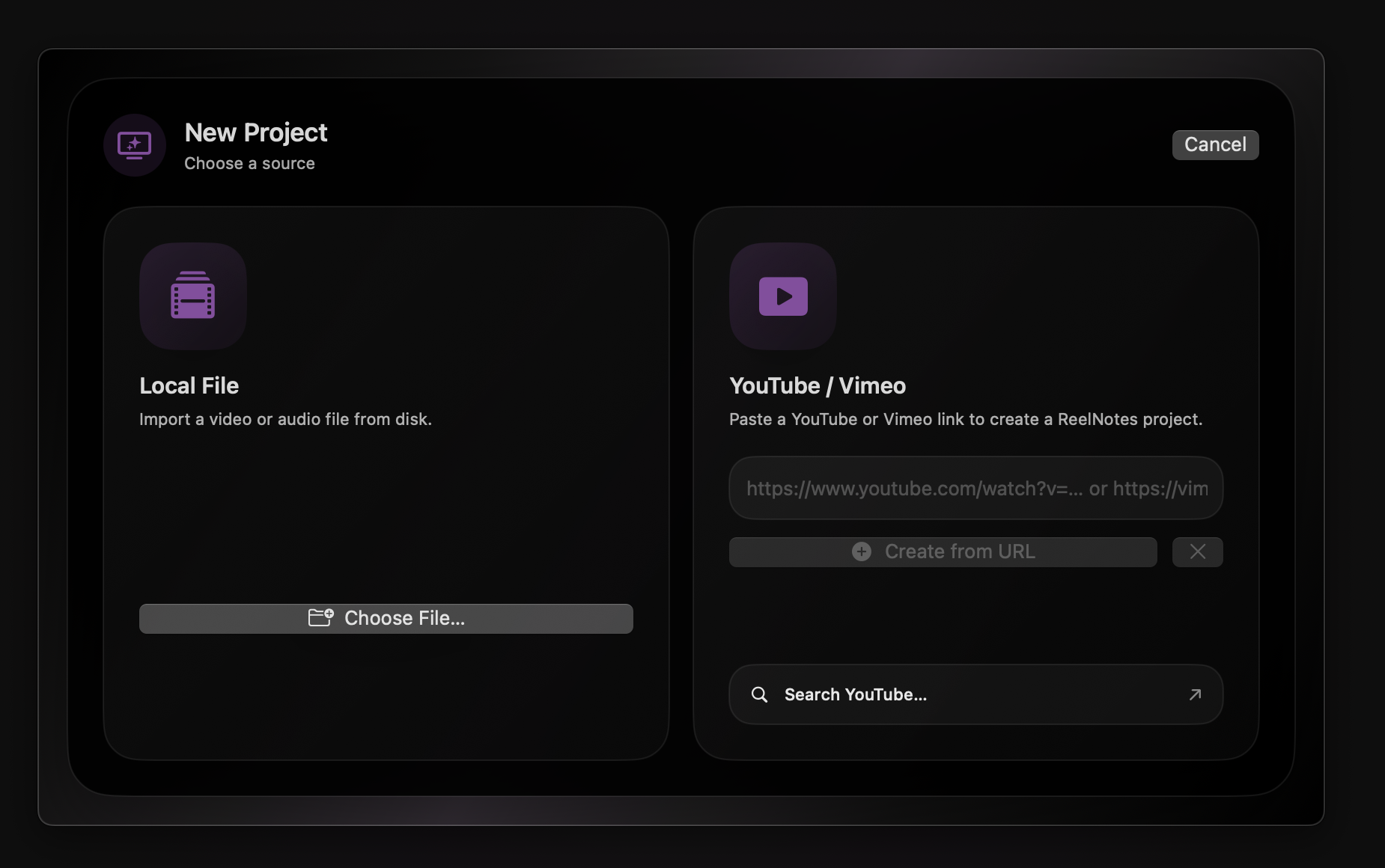
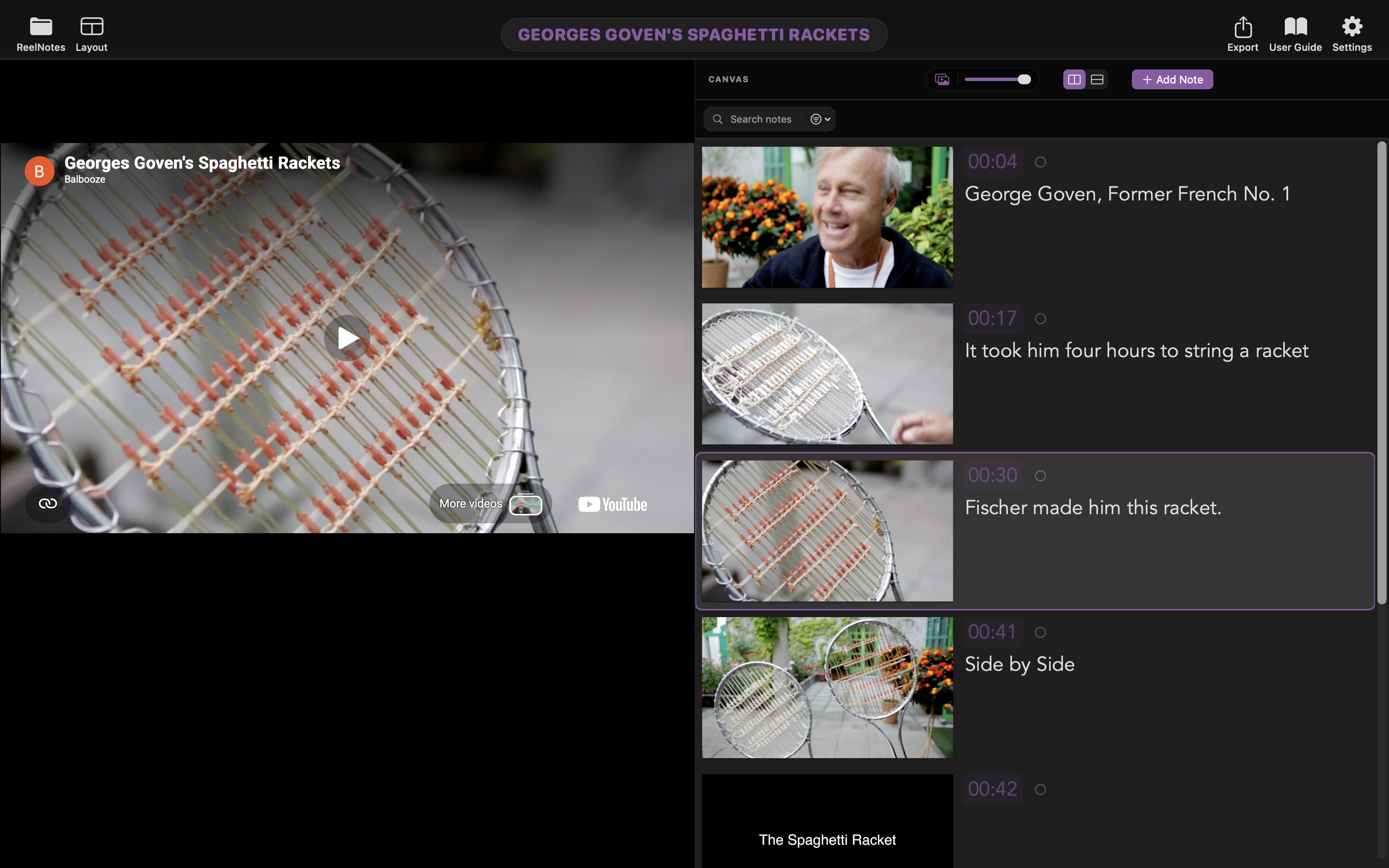
Start from local files, YouTube, or Vimeo
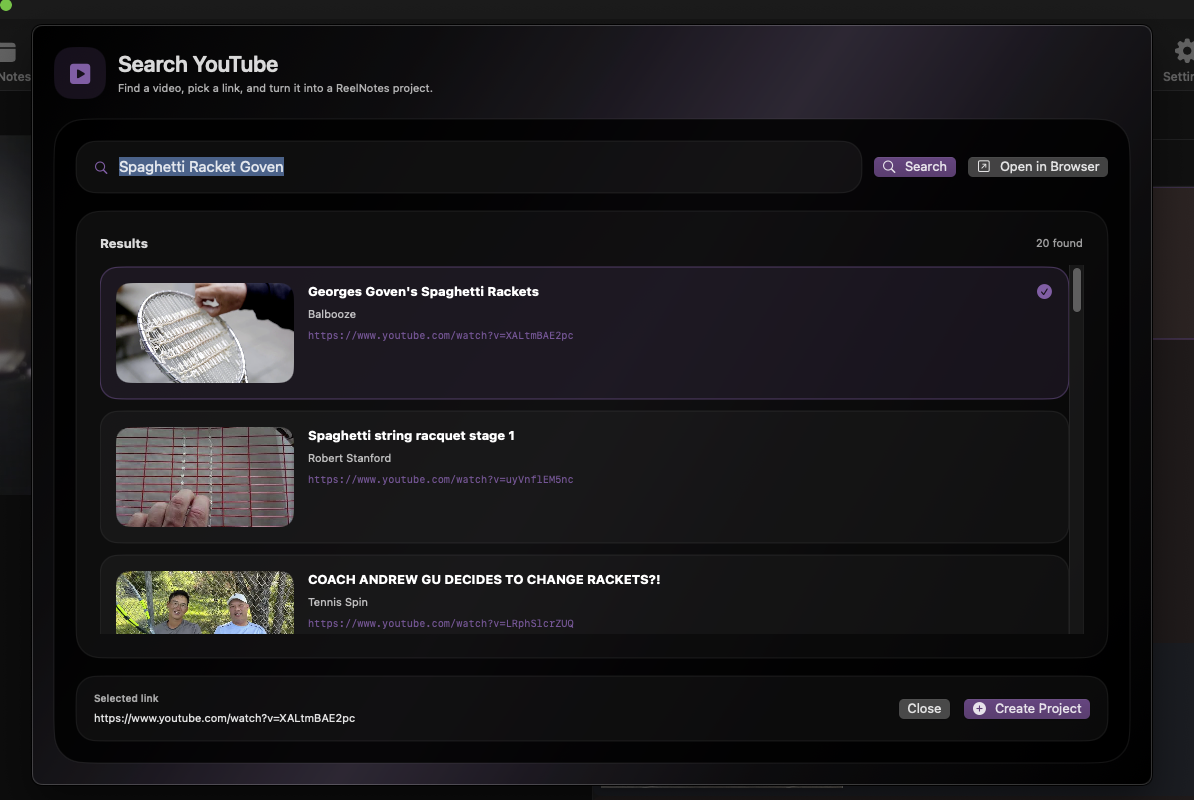
Create projects from local media or work directly from online video. Paste a YouTube or Vimeo link, or search YouTube inside the app to begin logging and reviewing without leaving your workflow.
It opens ReelNotes up to research, references, lecture study, cultural analysis, interviews, and exploratory projects built around material already living on the web.
Timeline & ranges
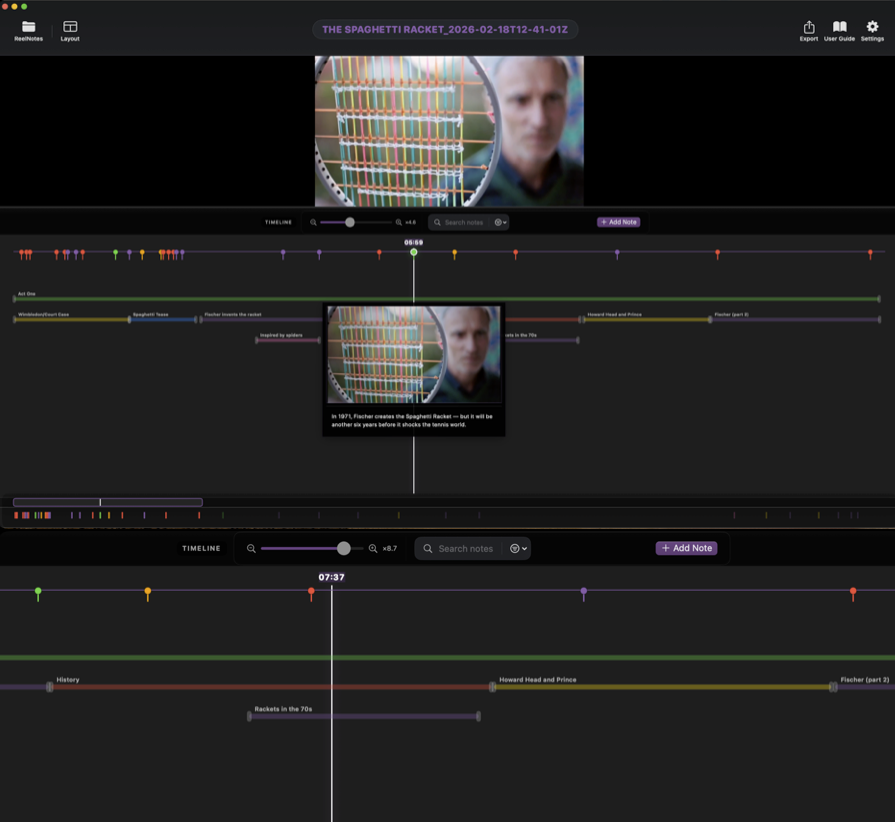
See structure, shape, and emphasis over time
Timeline helps you move beyond isolated notes and understand how a recording is built over time. See clusters, gaps, shifts in emphasis, recurring themes, and the broader shape of the material from beginning to end.
That makes it useful not only for editors, but also for documentary makers, researchers, journalists, podcasters, teachers, students, and anyone trying to break material into sections, beats, themes, scenes, or lines of argument.
Structural overview
Read pace, density, and distribution across the whole recording at a glance.
Markers and ranges
Capture both single moments and longer passages when the material needs more than point notes.
Useful across disciplines
Great for scenes, interviews, lectures, source review, story beats, and any workflow built around close reading.
Refine in context
Trim, compare, and revisit sections without losing your sense of where they sit in the whole.
Audio review
Flexible tools for listening, logging, and breaking material down
Use ReelNotes to move through spoken material, follow lines of argument, flag key passages, and keep audio work readable whether you are working on interviews, podcasts, lectures, meetings, or research.
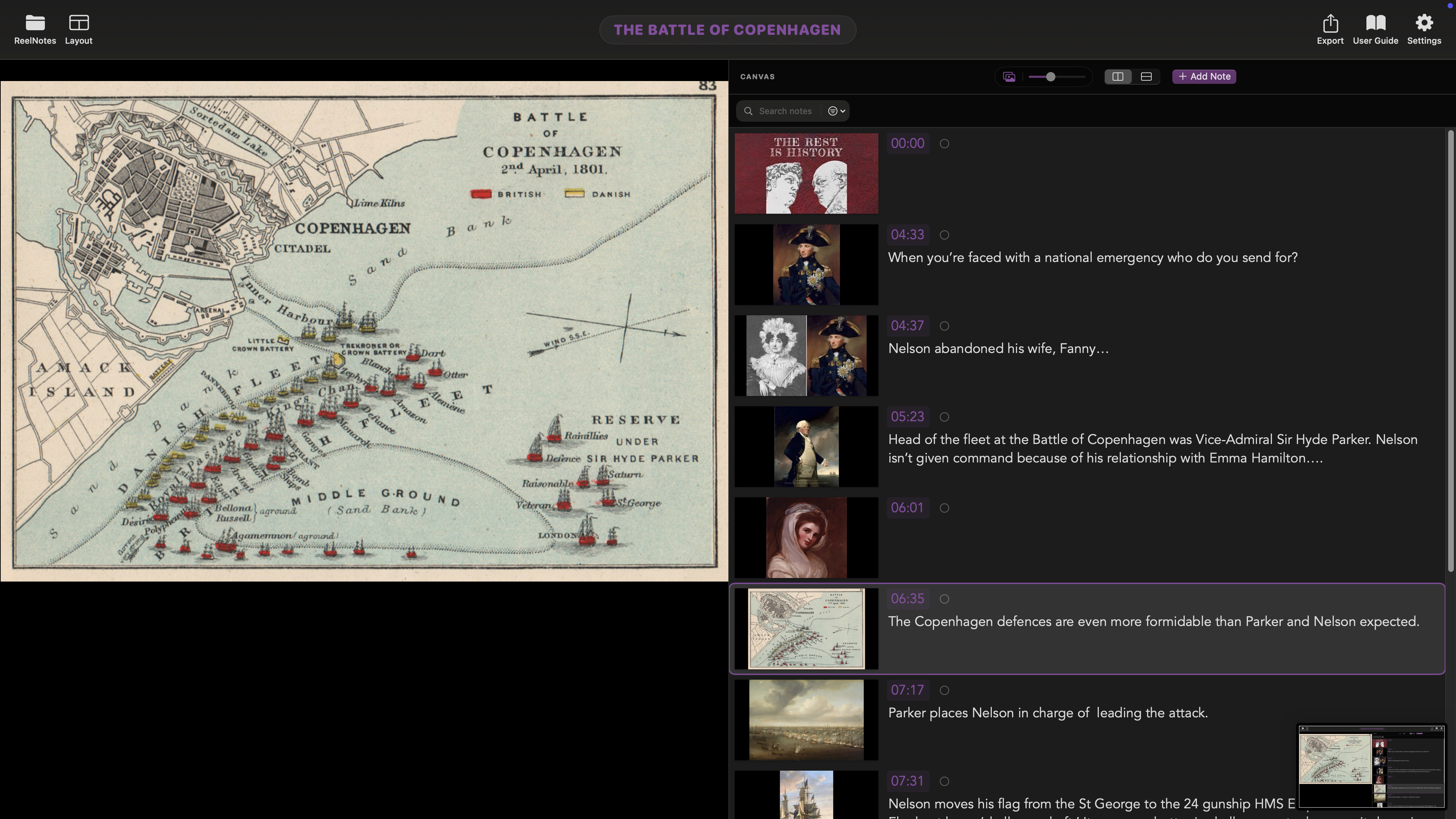
Loudness
A thin loudness contour helps quieter and louder passages read at a glance, so it is easier to scan long recordings, spot changes in energy, and move through material with more confidence.
Ranges
Mark spans instead of single moments when you want to break audio into sections, beats, themes, answers, exchanges, or any passage that matters structurally.
Placeholders
Replace generic note images with more useful visual references so repeated ideas, speakers, topics, or source material are easier to recognise while reviewing.
Speed controls
Adjust playback speed to skim familiar material, slow down dense sections, and review speech at a pace that suits transcription, study, logging, or close listening.
Collaboration
Clearer teamwork, from first pass to final handoff
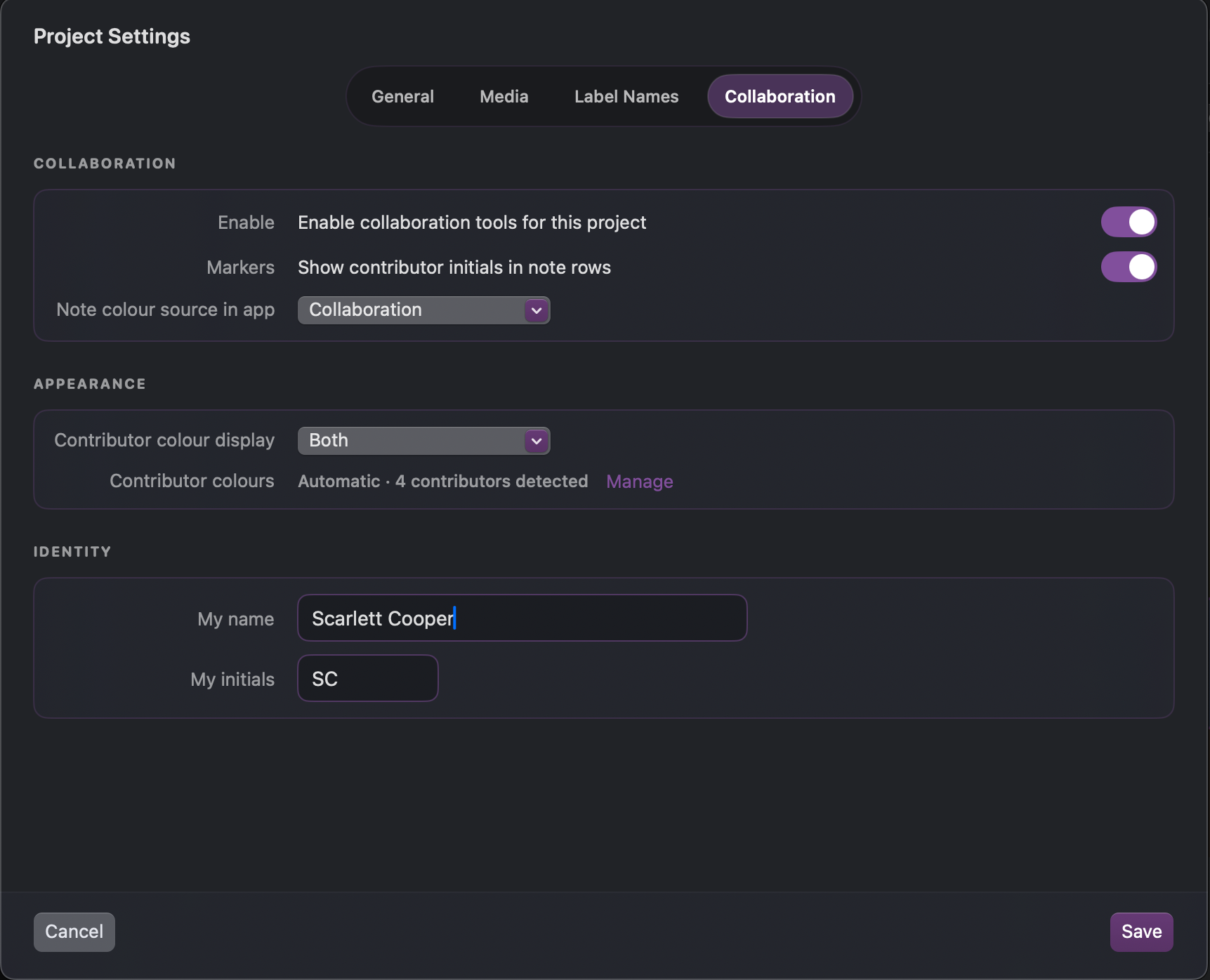
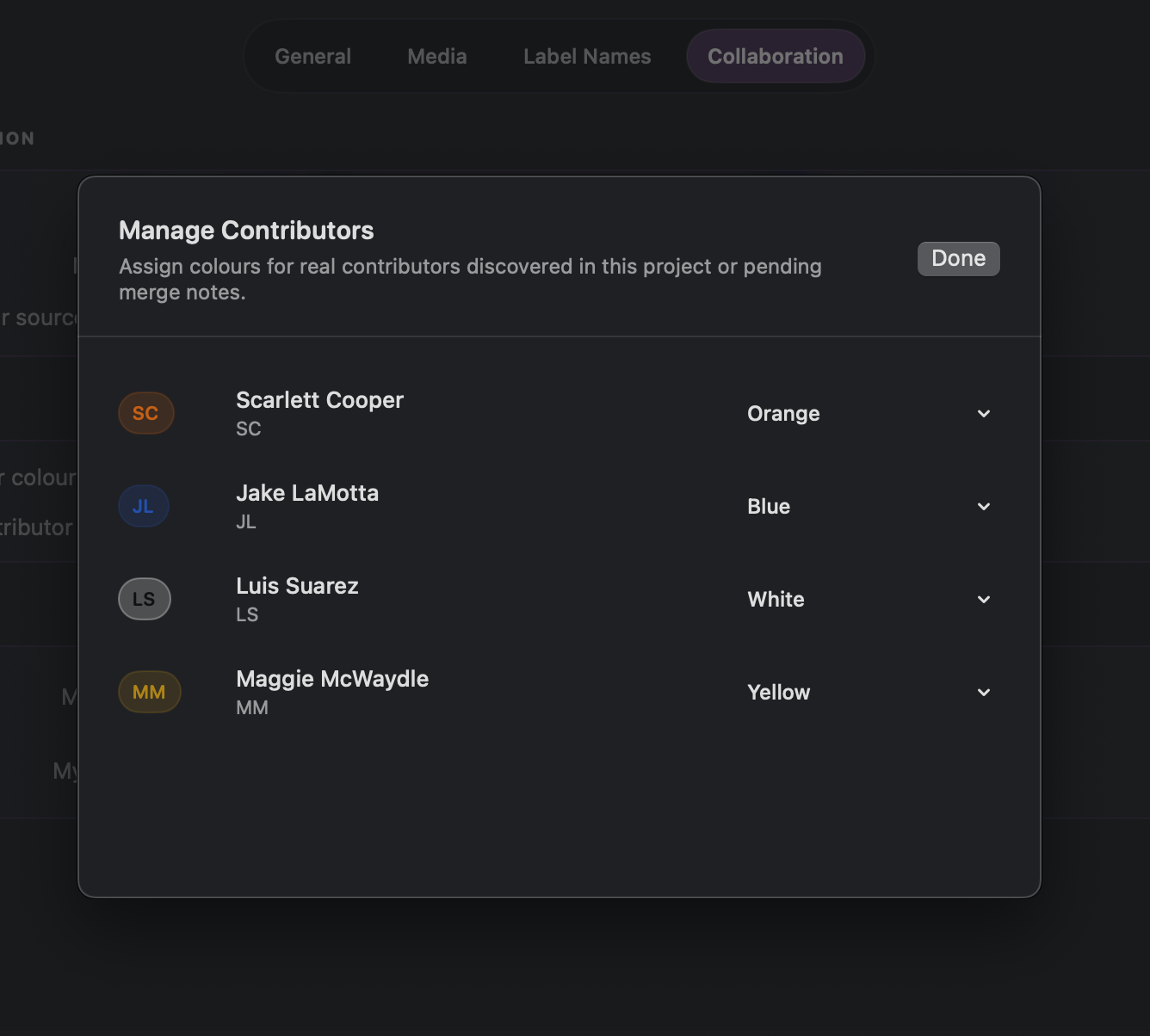
ReelNotes makes shared review easier to follow across documentaries, films, podcasts, research projects, and study material. See who added what, keep feedback distinct, and bring different voices together without losing clarity.
Visible authorship
See names and initials throughout the project so feedback always has context.
Readable at a glance
Use colour and visual identity to separate contributors and scan shared notes faster.
Built into the project
Set up collaboration as part of the workflow, not as an extra step bolted on later.
Bring voices together
Merge notes from different contributors into one organised view instead of juggling separate files.
Share with confidence
Exports preserve contributor context, making handoff, discussion, and decision-making easier.
Project control
Shape ReelNotes around the way you work
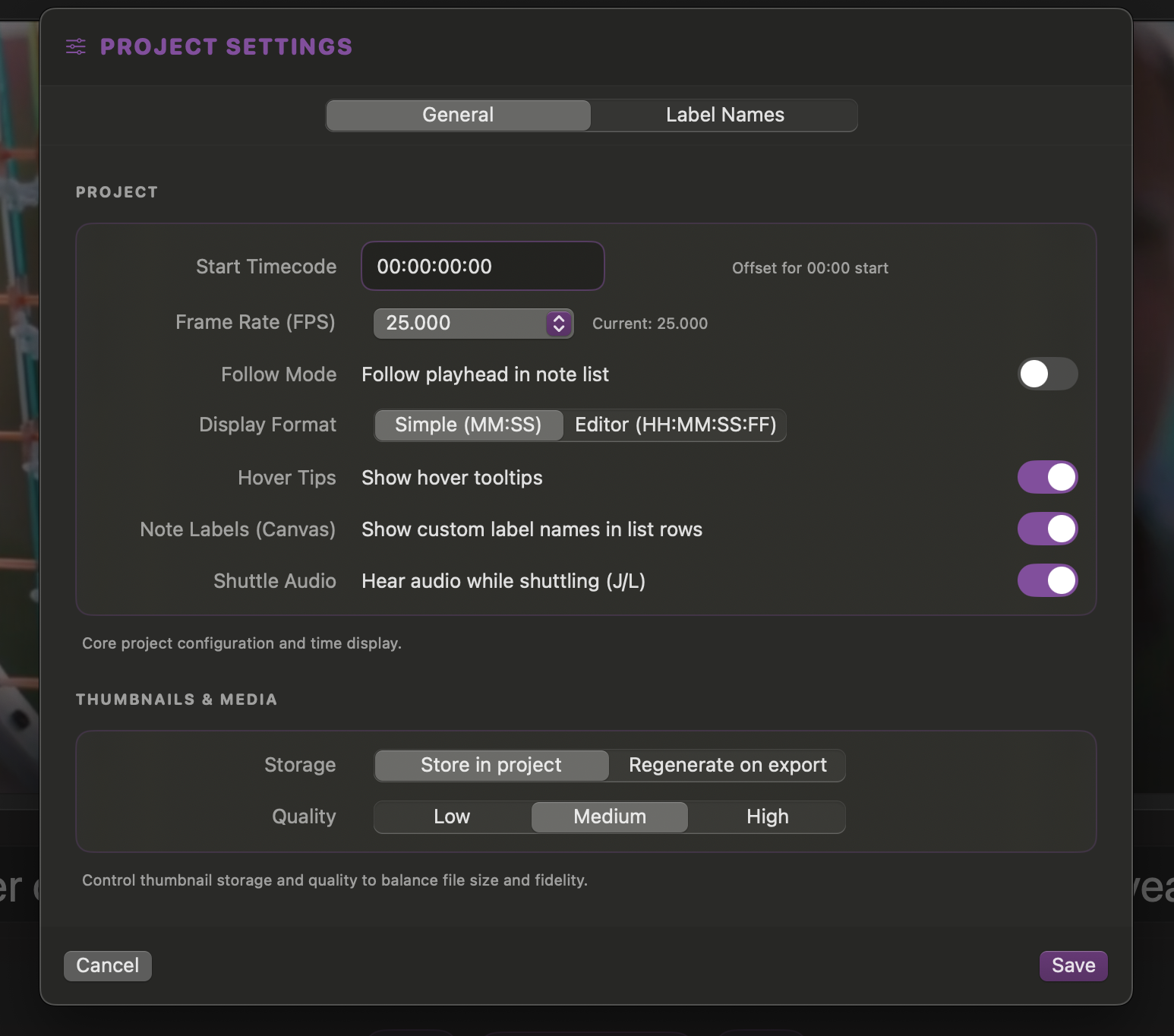
Different projects need different structures. ReelNotes lets you tune labels, media behaviour, collaboration, and project setup so the app fits the material instead of forcing everything into one fixed system.
General setup
Set the foundation of the project so each job starts with the right structure.
Media behaviour
Adjust playback and media-specific options to suit the source material.
Custom labels
Name categories in a way that matches your process, your team, or your subject.
Shared workflows
Control contributor settings at project level so collaboration stays organised.
Media relinking
Reconnect moved files quickly so long-running projects stay intact and usable.
Carry your work into editing, review, and sharing
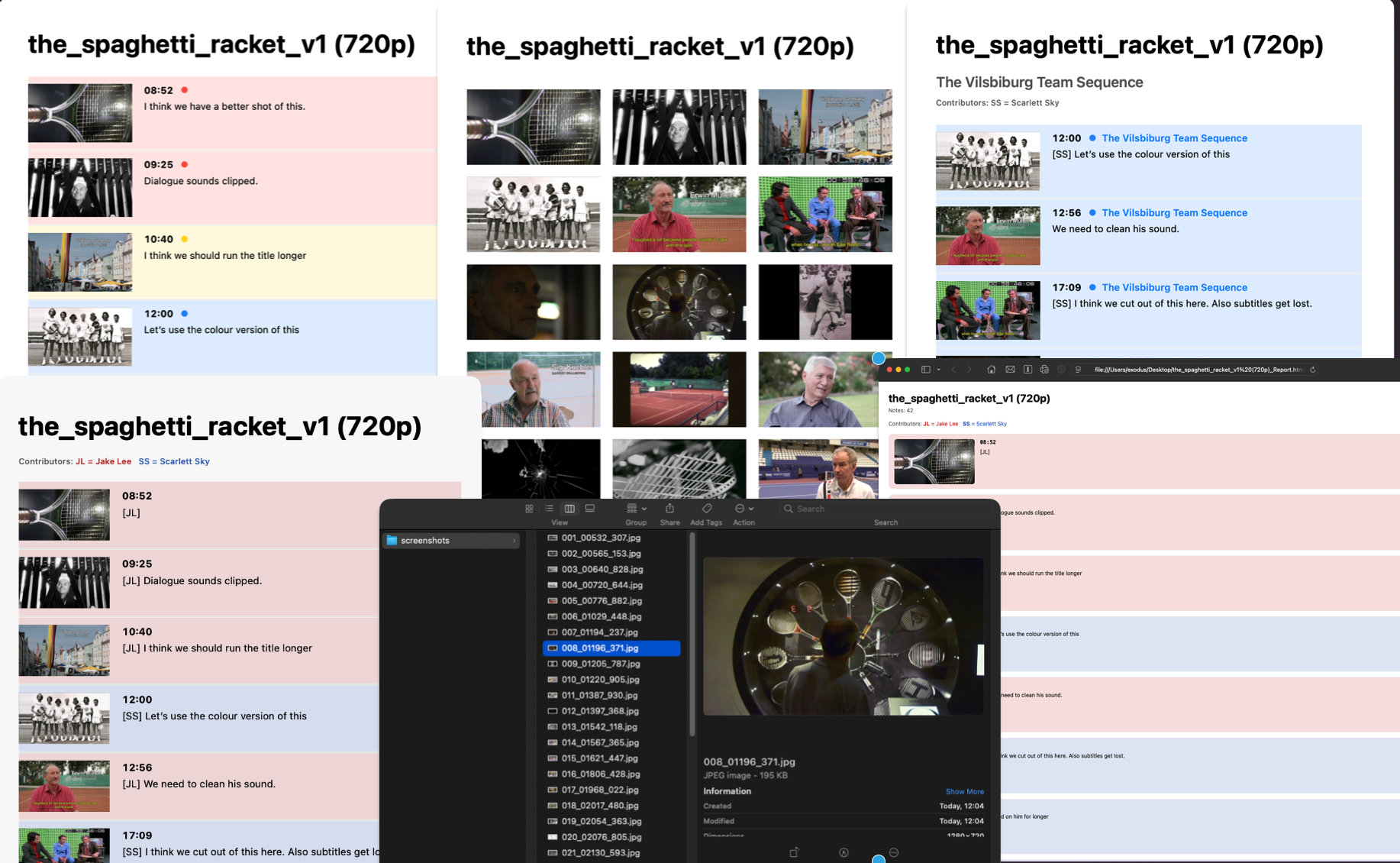
ReelNotes is not just for capturing ideas. It also gives you clean ways to turn notes back into documents, contact sheets, and shareable outputs for communication and handoff.
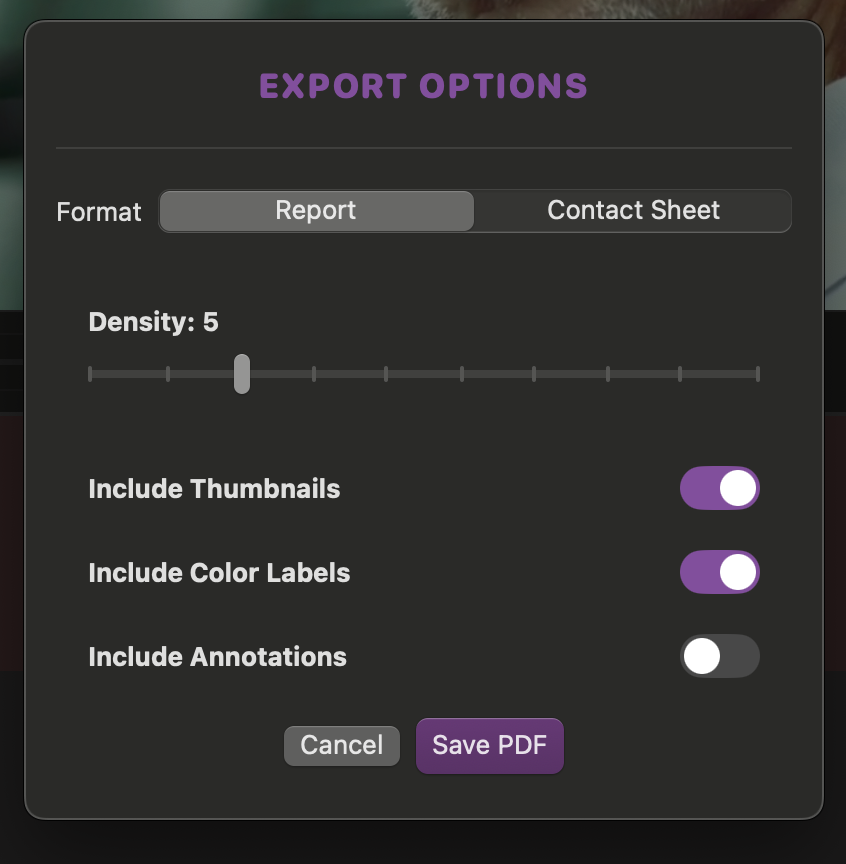
PDF export for clear reports
Generate polished review documents for collaborators, producers, clients, or your own archive, including filtered notes when you want to share only a selected view of the material.
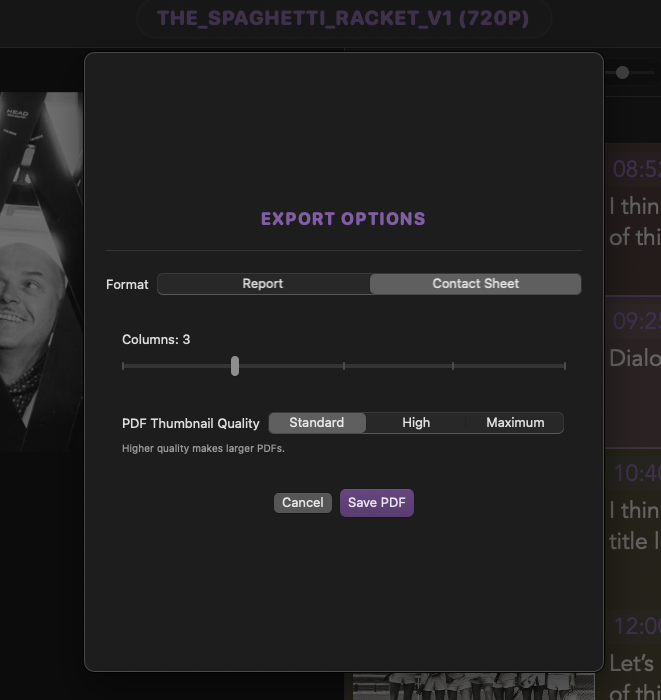
Contact sheets for visual review
Create a quick visual overview of moments, frames, and themes so collaborators can scan material at a glance, with the option to focus on filtered notes and selected moments.
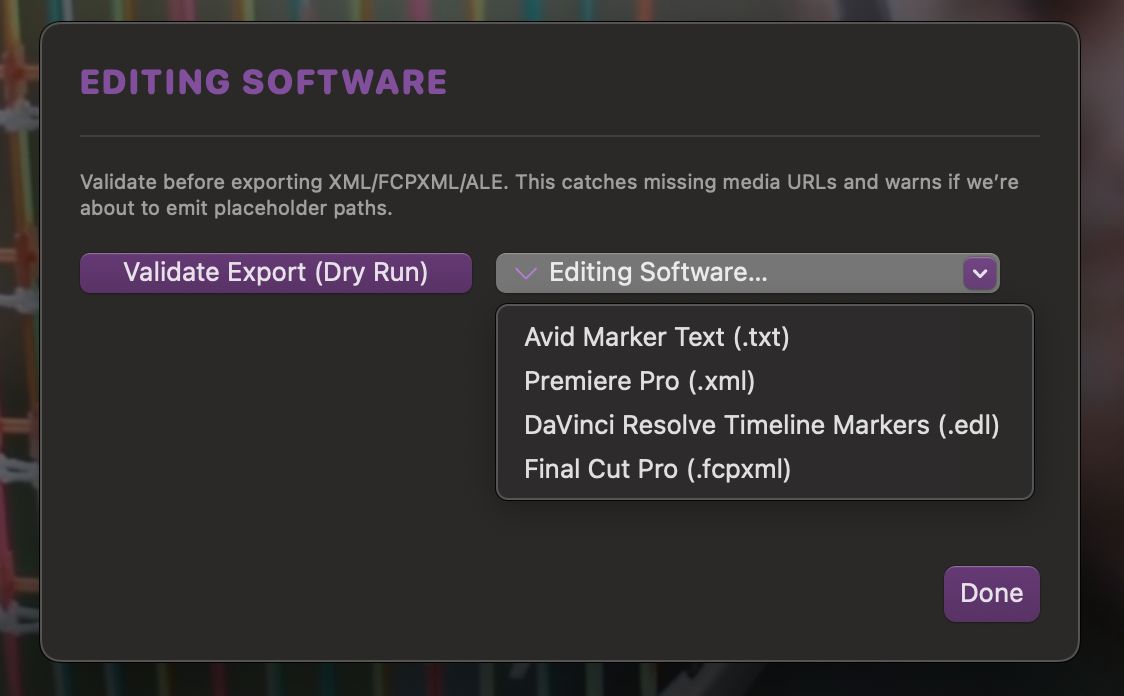
NLE export for editorial workflows
Move notes into Final Cut Pro, DaVinci Resolve, Adobe Premiere Pro, and Avid Media Composer when it is time to cut, including exports based on filtered notes when you want a tighter handoff.
Screenshots, print elements, and shareable outputs
Bring together screenshots for decks and pitches, printable outputs, and the different ways ReelNotes helps material travel beyond the app.
A better way to think with recorded material
From first review to final handoff, ReelNotes helps you capture what matters, organise it clearly, and stay close to the material on Mac.