Web video
YouTube and Vimeo
Paste a link, open the video, then capture timecoded notes and sequences while you watch.
Mobile web video notes use placeholders rather than Mac-style frame thumbnails.
ReelNotes Mobile is a standalone workspace for reviewing local media, YouTube, Vimeo and podcasts on the device you have with you. Capture notes, drop markers, build sequences, annotate frames and export useful reports without needing the Mac app.
It also works beautifully alongside ReelNotes for Mac when you want a larger desk-based review space — but iPhone and iPad are fully capable on their own.
Note: on mobile, YouTube and Vimeo projects use clean visual placeholders for captured moments, unlike the richer frame thumbnails available in the Mac version.
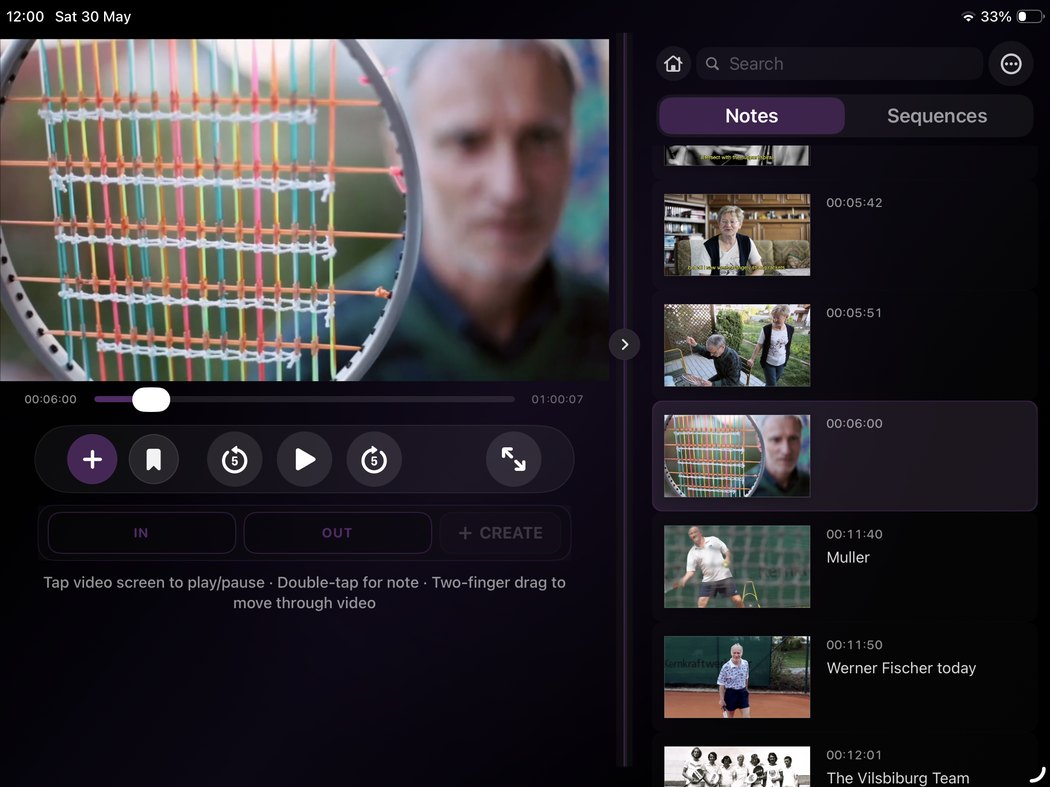
Start a ReelNotes project from your own media, a web video, or a podcast episode. The workflow stays the same: watch, capture, review and export.
Paste a link, open the video, then capture timecoded notes and sequences while you watch.
Mobile web video notes use placeholders rather than Mac-style frame thumbnails.
Find podcast episodes in the app and treat spoken material like any other review source.
Bring supported links in from other apps, then continue the review inside ReelNotes Mobile.
ReelNotes Mobile is built to stand on its own: write beside the media, keep every note tied to the moment, and move quickly between capture, review, structure and export.
Tap into a note while the video is in front of you. Timecode stays attached, so you can return to the frame without hunting.
Save a moment now, fill in the note later. Useful when you are watching quickly and do not want to break flow.
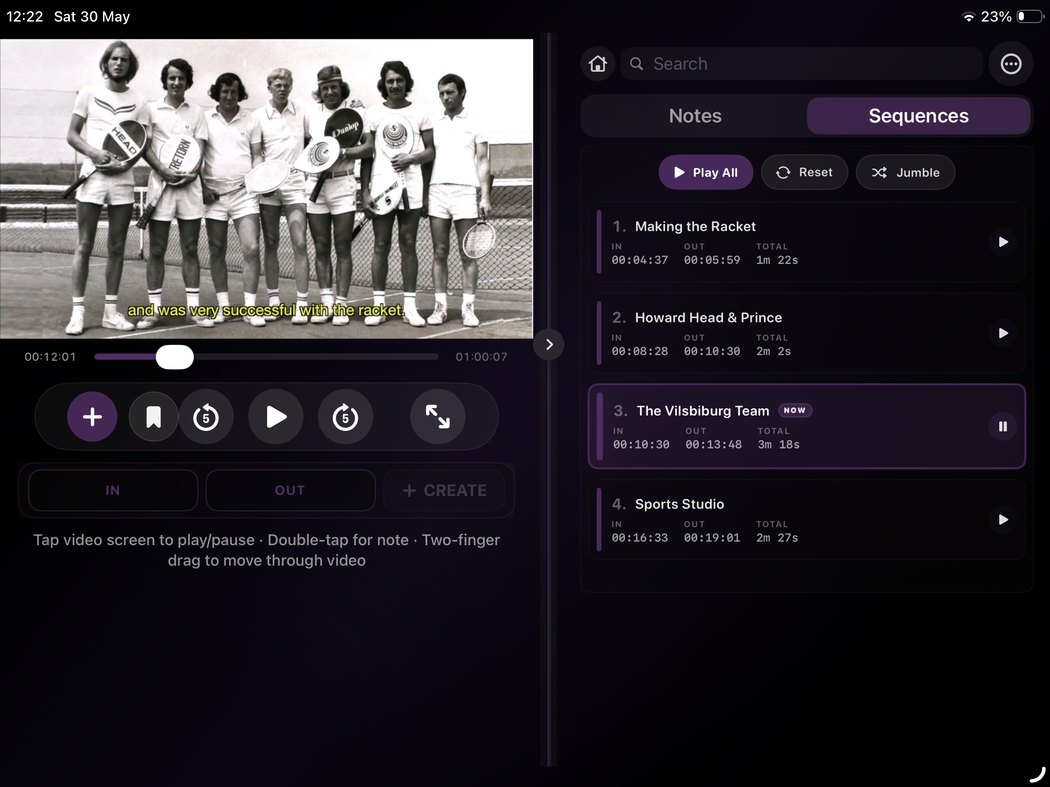
Mark in and out points, build a sequence list, and review the structure before the next stage of work.
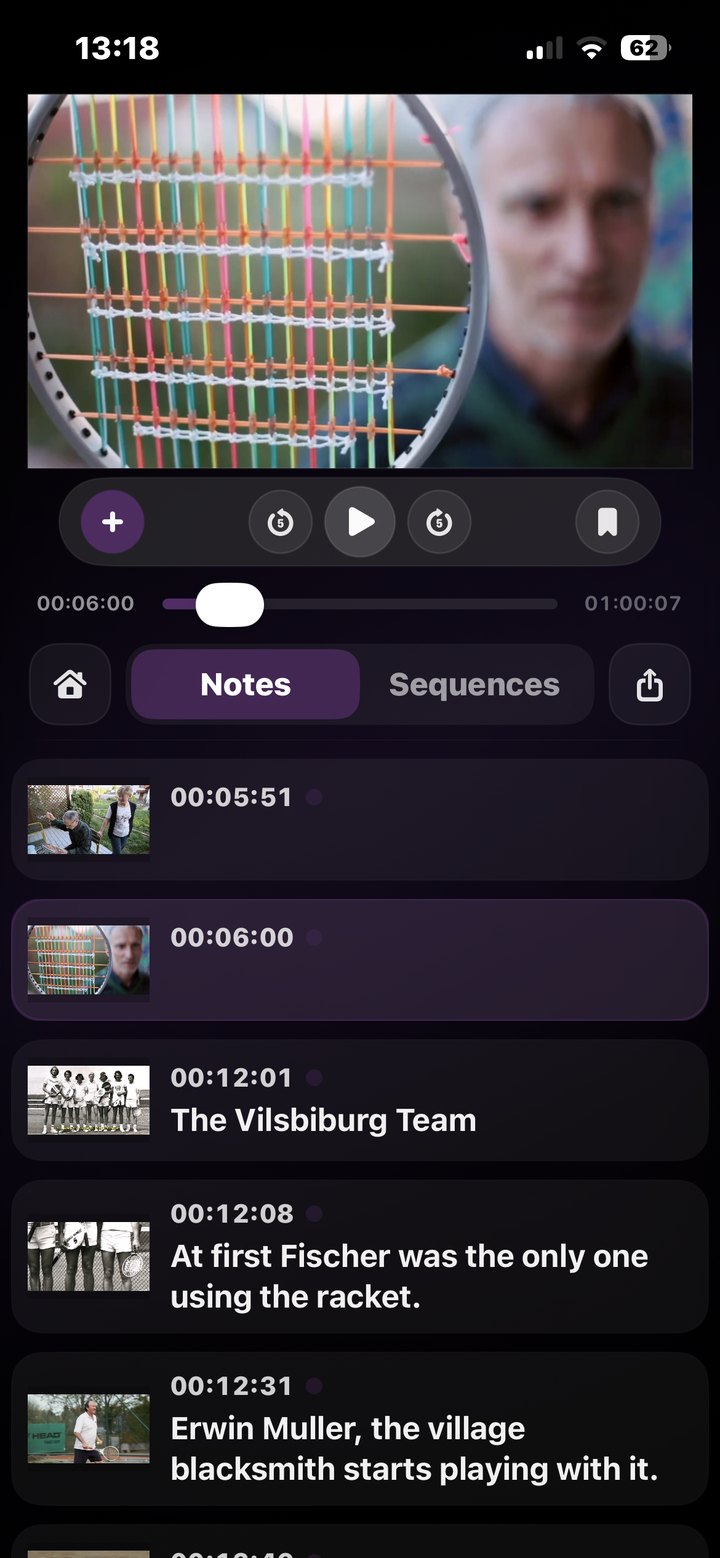
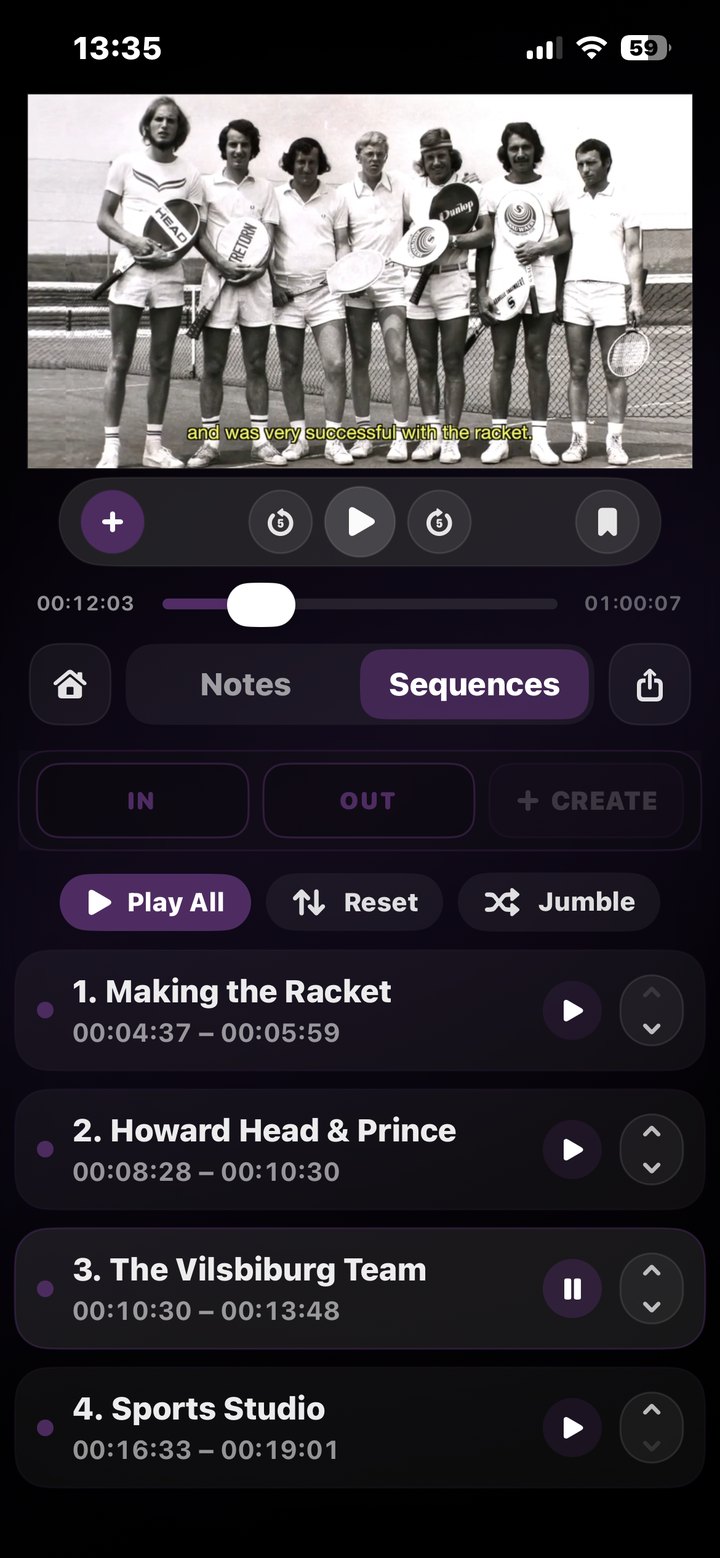
On iPhone, ReelNotes Mobile keeps the interface direct: open a file or link, capture moments, review notes, and export without turning the app into a desktop squeezed into your hand.
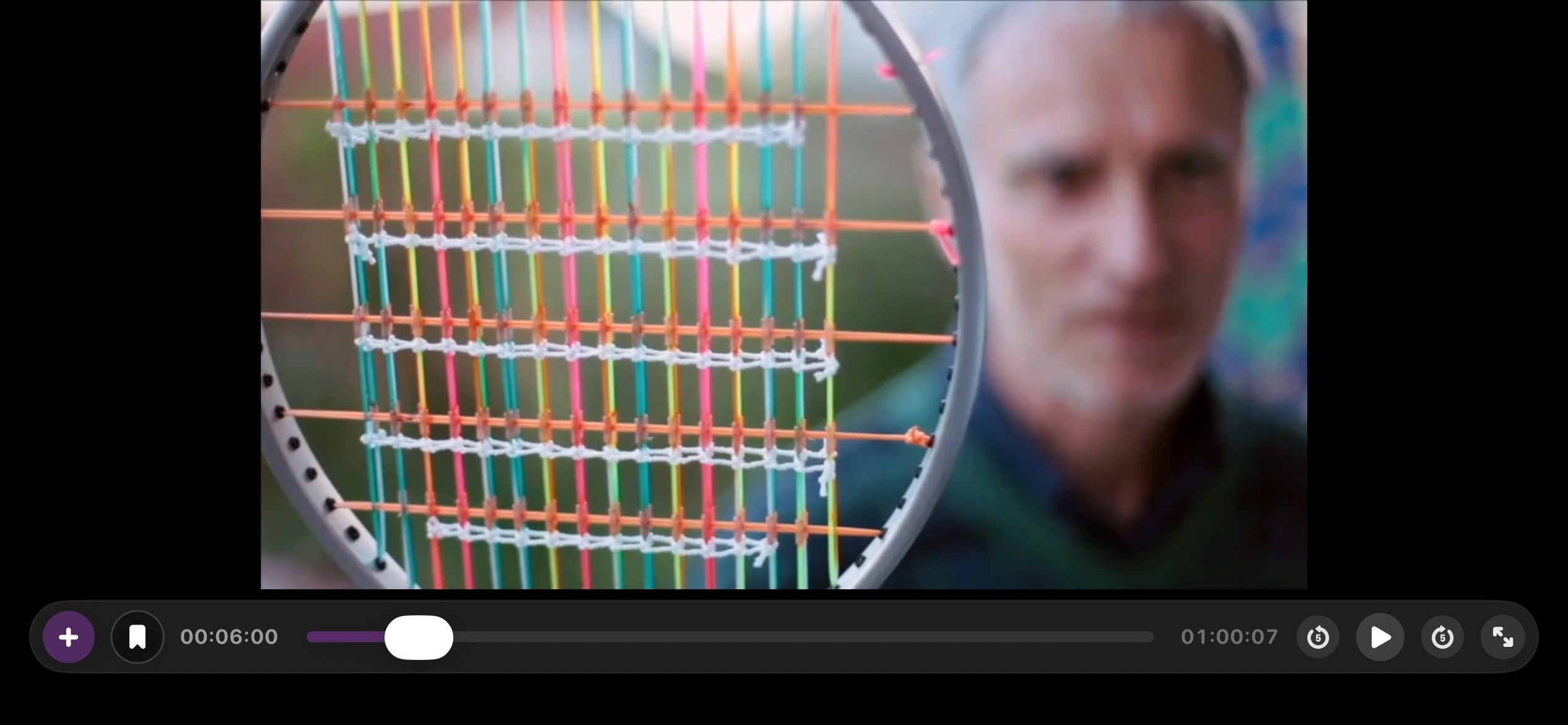
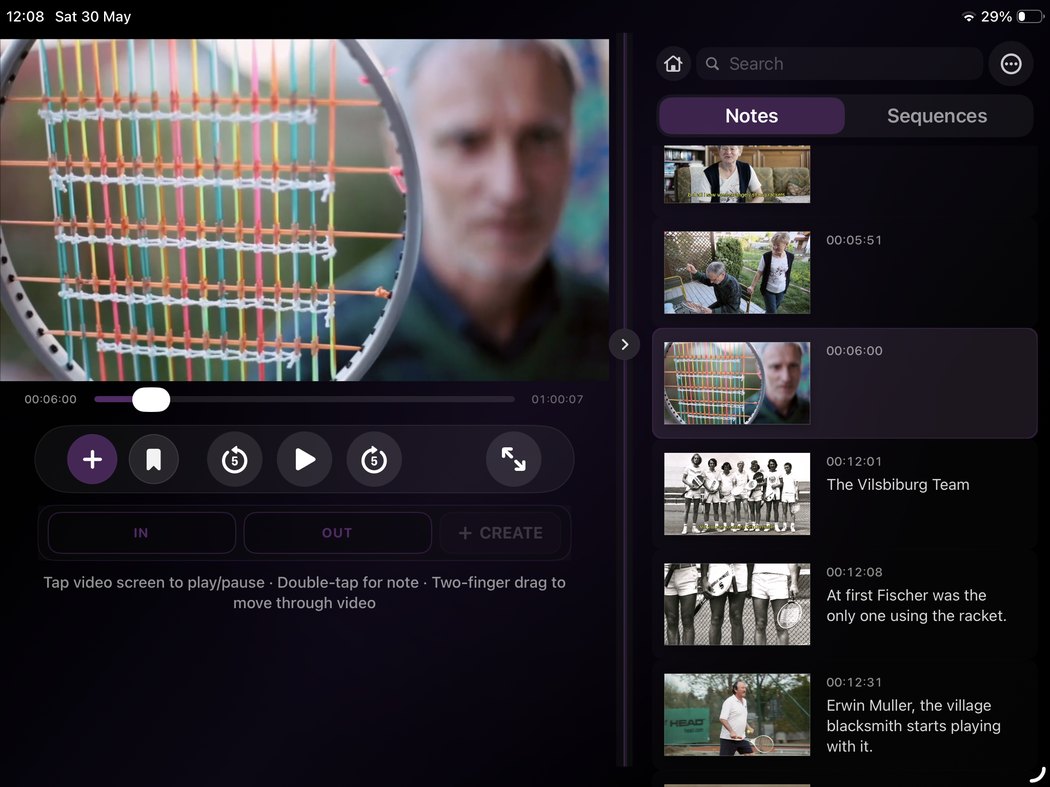
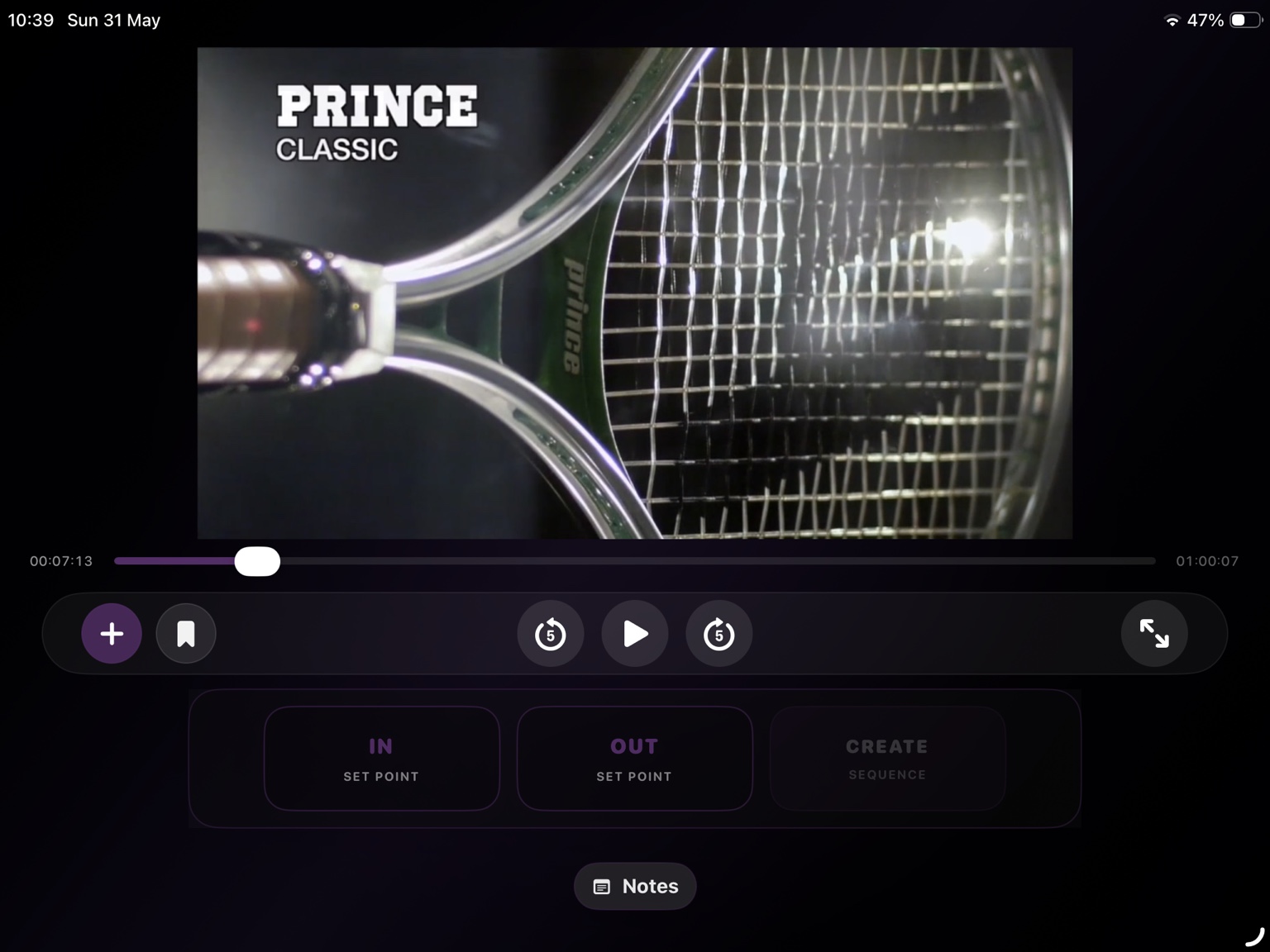
iPad gives ReelNotes Mobile more room to breathe: a larger viewer, clearer note and sequence layouts, and a calm workspace for serious review away from the desk.
Turn notes into useful outputs directly from the mobile app: review reports, contact sheets, sequence reports and annotated frames, ready for sharing or later desktop work.
Notes stay tied to moments, with thumbnails and timecodes to make a long review feel readable.
Add visual context when a written note is not enough, then export annotated frames for reference.
Use ReelNotes Mobile as a complete iPhone and iPad app. Mac handoff is there when useful, not required.
Capture, review, organise and export from iPhone or iPad — now with local media, YouTube, Vimeo and podcasts in one clean workflow.