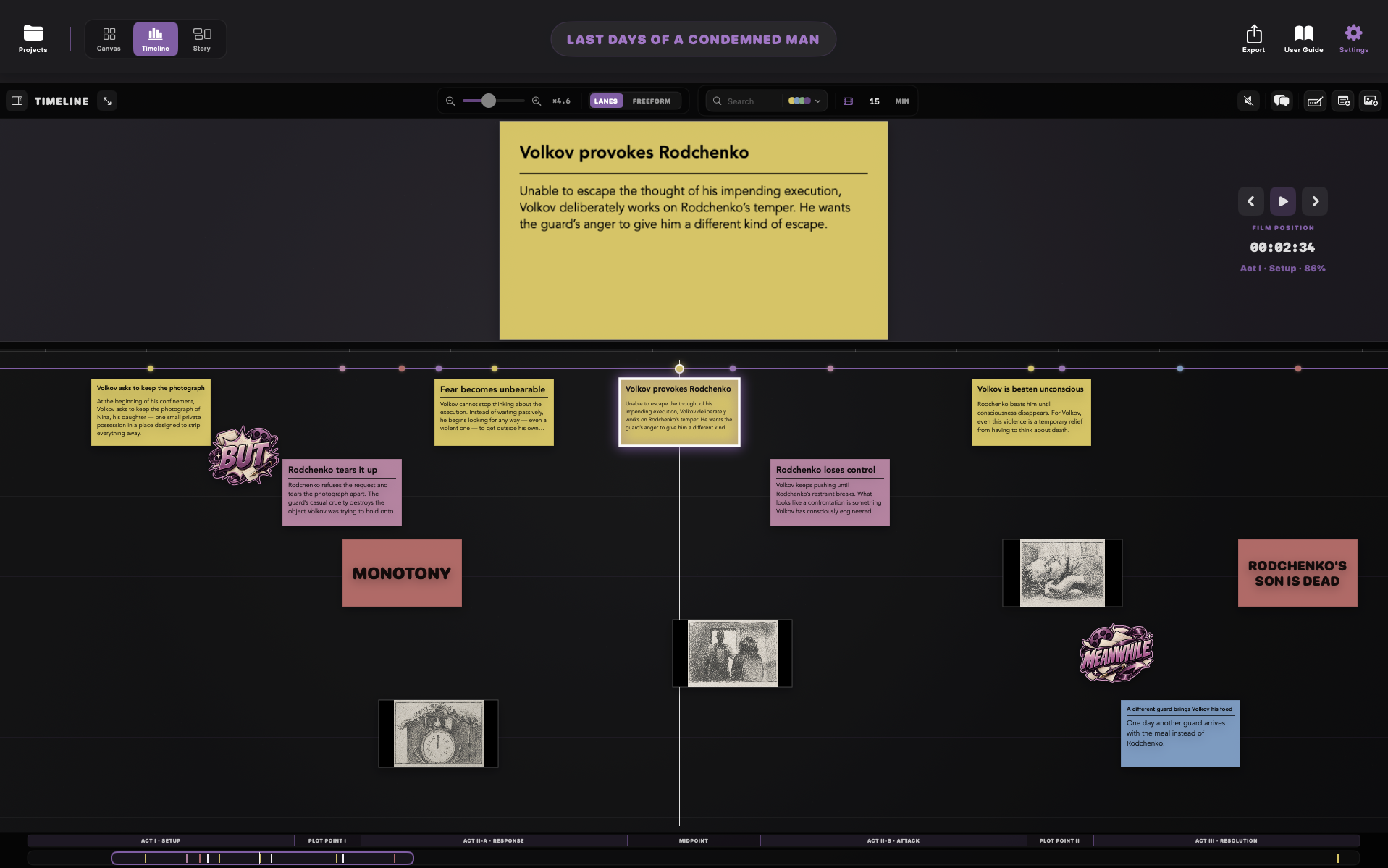
Visual story planning for Mac
Find the story. Feel it in time.
ReelWriter is a visual story-planning workspace for filmmakers and writers. Start with loose ideas, images and beats on a free-form Canvas, then turn them into structure and time.
It is built for the part of writing that happens before — and between — pages: discovering what belongs, what connects, what moves, and how long the story feels.
CanvasTimelineStory ViewSequencesStory Guides
One story. Three ways to see it.
ReelWriter is designed around a simple progression: discover freely, organise deliberately, then test the story against time.
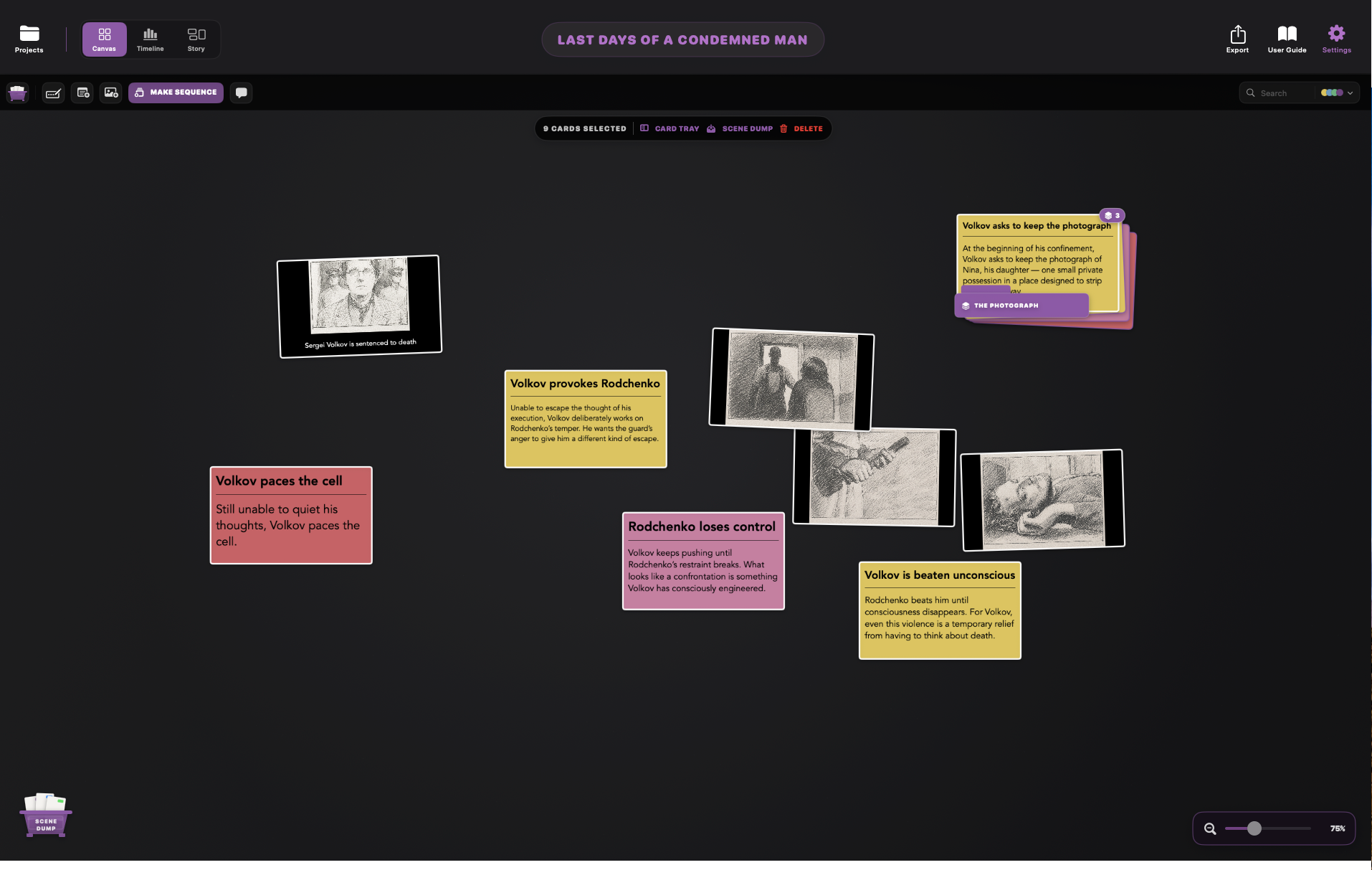
Canvas
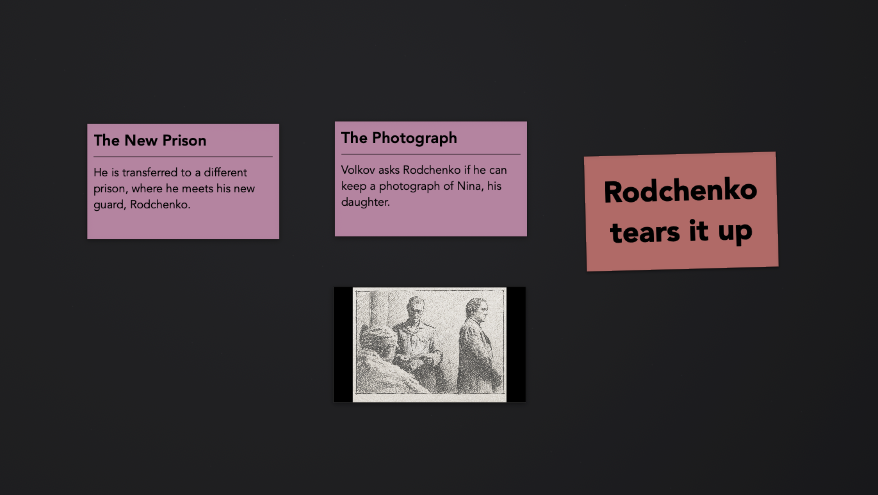
Think spatially. Scatter beats, scenes, questions and images across the board. Group them into Sequences when relationships begin to emerge.
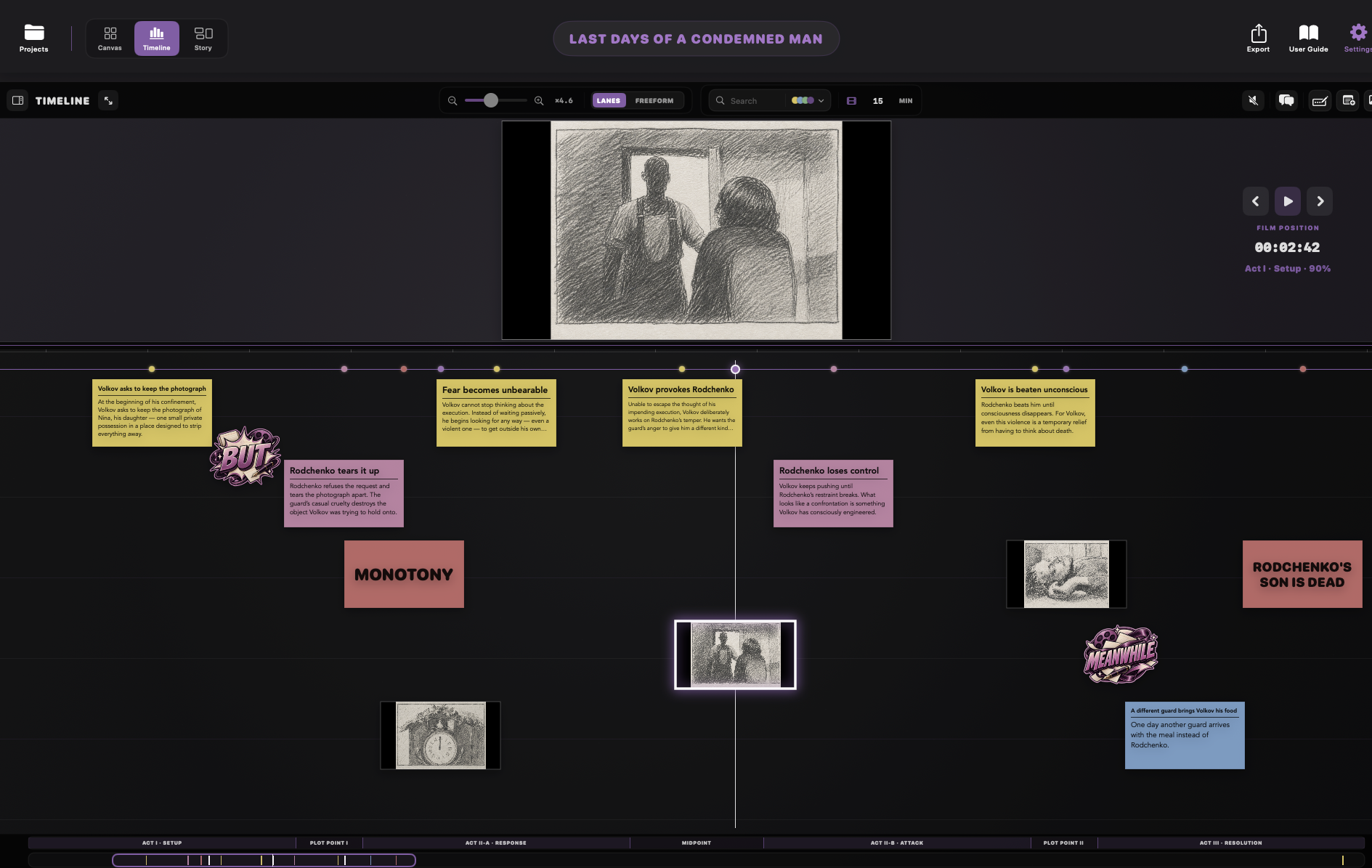
Timeline
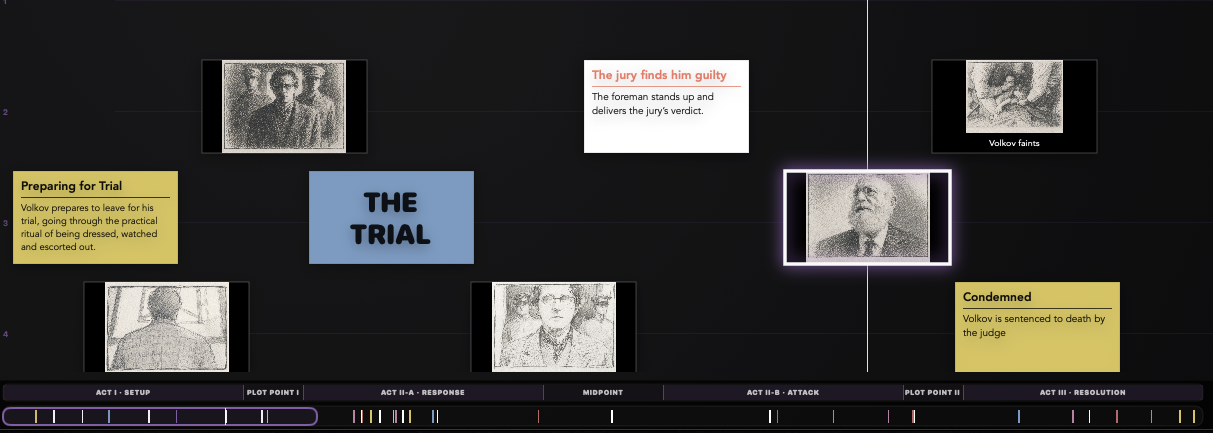
Make duration visible. Place cards across the Timeline, adjust their timing, and feel the pace before you commit to the page.
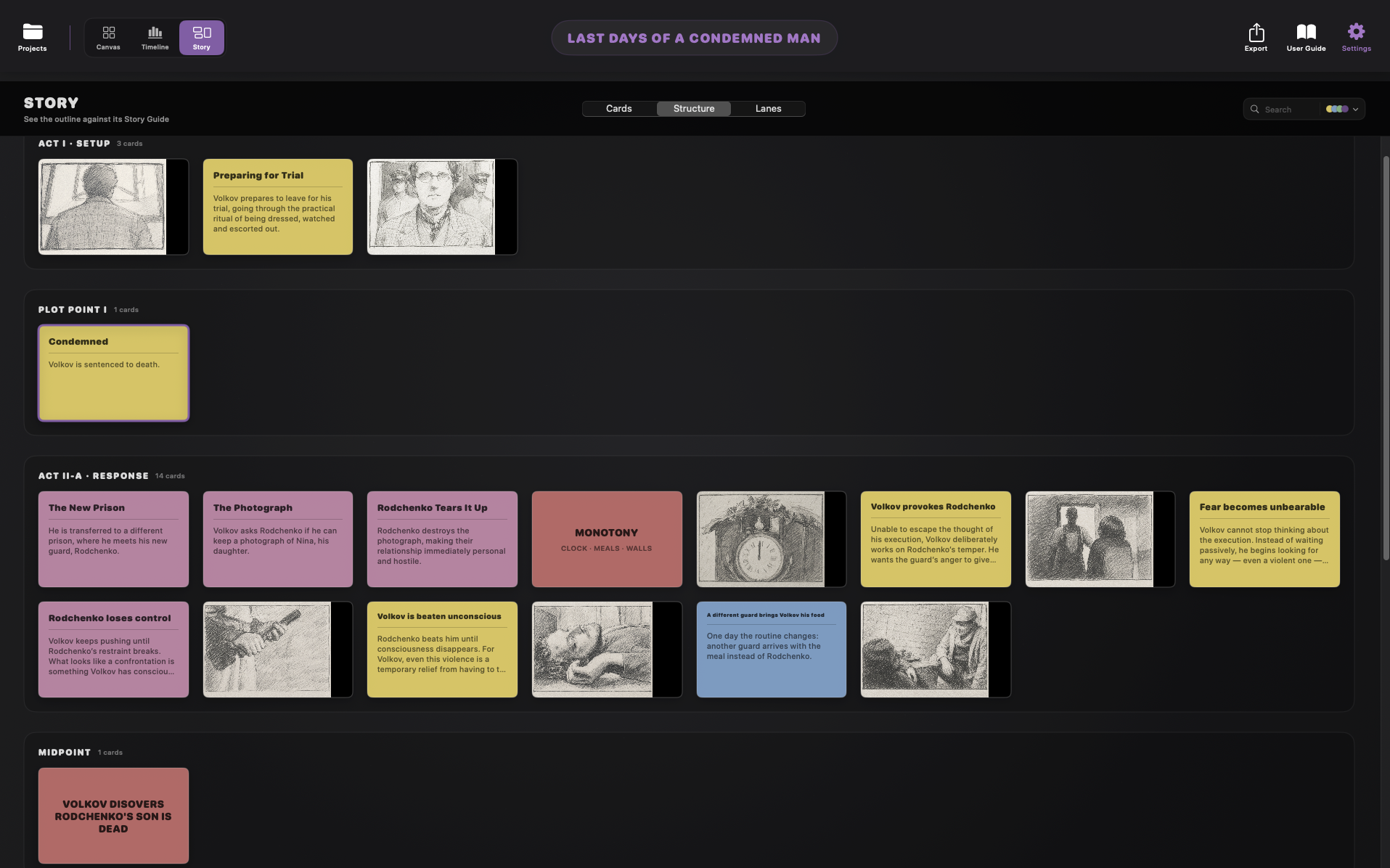
Story View
Read the whole story as structure. Reorder cards, organise strands into lanes, or lay them against a Story Guide to see the larger shape.
Writing without forcing the form
Use the card that suits the thought.
Some ideas need a sentence. Some need a page. Some are visual. ReelWriter keeps them in the same story space without pretending they are the same thing.
CardA concise, flexible signpost for a beat, scene or idea.
Index CardMore room for fuller writing, notes, dialogue or development.
Photo CardVisual reference with fit, fill or stretch and optional caption.
ColourTrack character, storyline, status, theme or anything meaningful to you.
Keep ideas moving without losing them.
With ReelWriter, nothing has to become a scene the moment you think of it.
Build Sequences
Marquee a group of related cards and turn them into a Sequence. Open it to work inside, reorder the beats, then return to the larger board.
→Shelve ideas in Card Dump
Not ready to use something? Put it aside without deleting it. Card Dump is a holding area for material you want to keep without leaving it in front of you.
→Take it to time
Send cards and Sequences to Card Tray, then drag them onto the Timeline. A Sequence unfolds in order exactly where you place it.
Structure without prescription
Use a Story Guide. Or don’t.
Use a Story Guide when you want a little structure. It’s there as a reference, not a set of rules.
Three ActSix ActSequence ApproachStory CircleHero’s JourneyCustomBlank Canvas
When you’re ready to export.
Export your story in the format that works for you.
TextClean, readable story text
CSVCards and timing as useful data
Card PNGsExport individual cards as images
Cards PDFOne card per page for sharing or print
Beat SheetA chronological story overview
Final DraftMove into screenplay form
ScrivenerCreate a Scrivener project from your cards
ReelWriter ProjectKeep a portable editable project copy
Try the whole idea first
Free for your first 15 cards.
Build a real outline, use the views and see whether ReelWriter fits the way you think. When the story needs more room, unlock unlimited cards.
One-time purchase. No subscription.
£19.99 introductory price

The board is only the beginning.
Discover the story in space. Shape it as structure. Then put it in time and find out whether it really works.